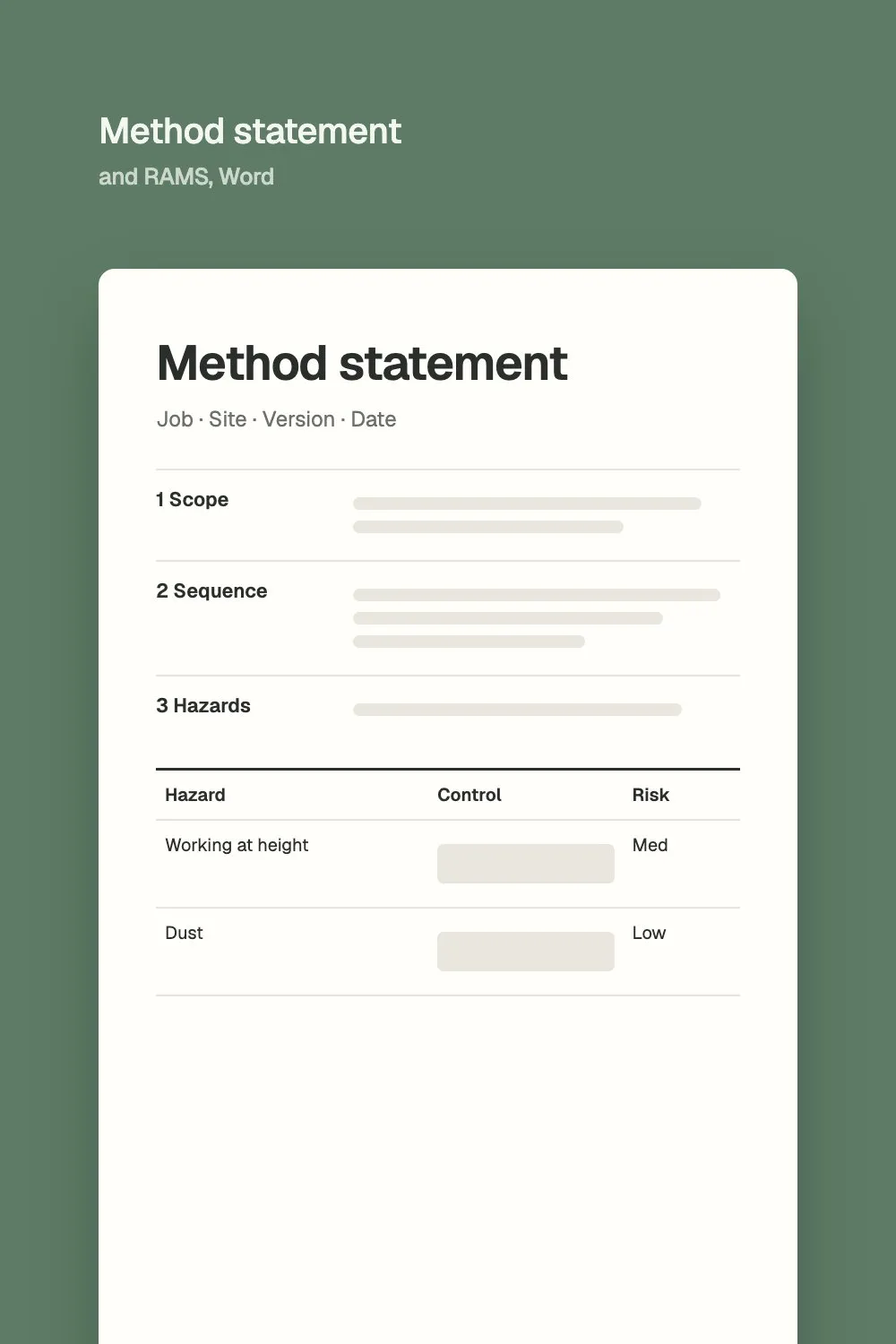
Method statement and RAMS
Word and PDF, with the risk assessment table
See where AI can give your team hours back, what that time costs you today, and how to test it safely on your own documents.
Start the free checkFree. Two minutes. No email needed.
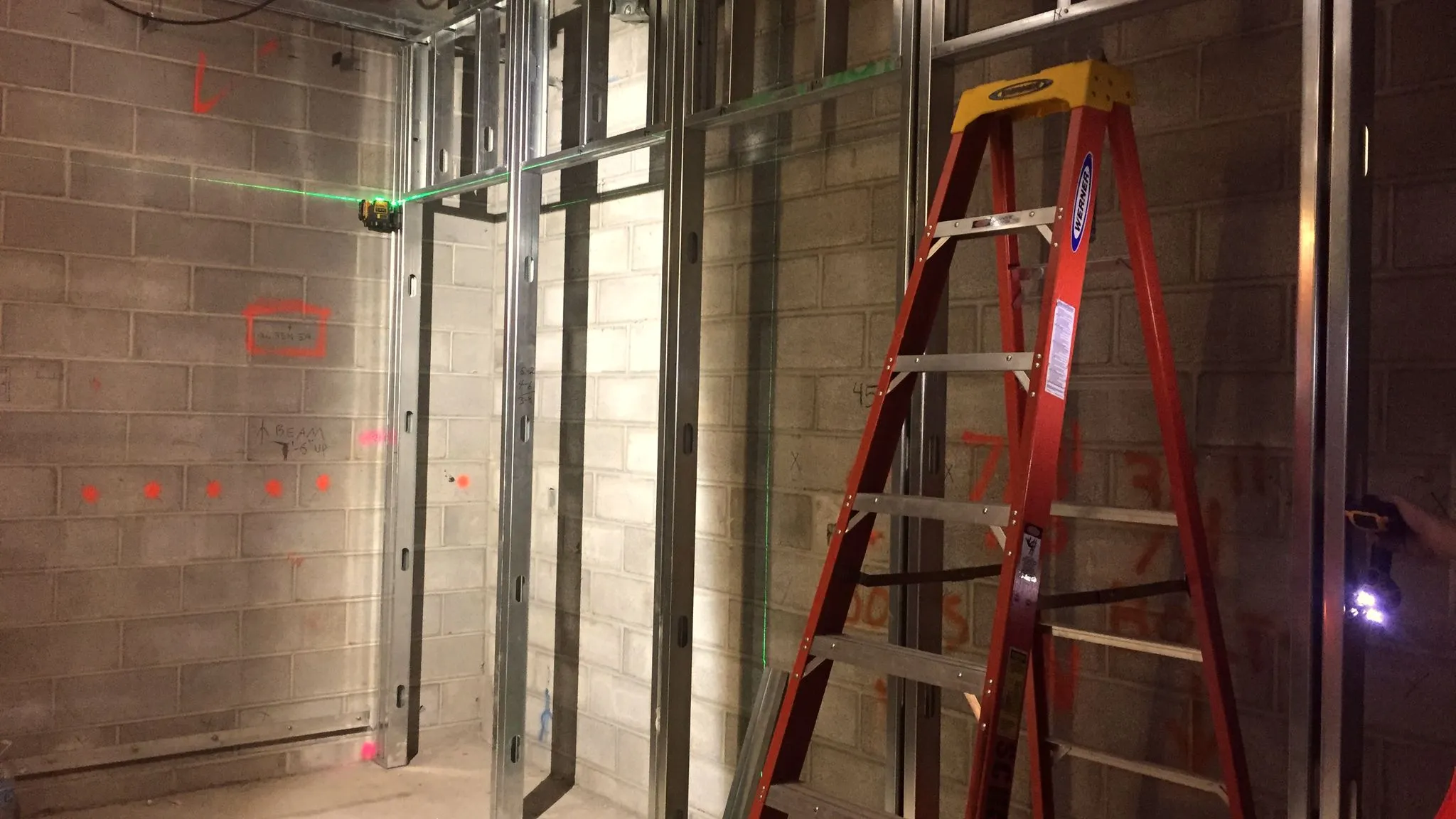
The check looks at PQQs and bid answers, method statements and RAMS, monthly project reports, cash-flow look-ahead, contracts and EoT letters, meeting minutes, finding old emails, CRM upkeep, close-out packs and snagging, invoices and valuations, bills of quantities and survey reports.
For construction businesses across the UK
Bids, RAMS, monthly reports and contract admin all eat hours, and every firm works differently. Most construction leaders can see the potential but can't tell which jobs AI suits, what it would save or what could go wrong.
In practice, AI earns its keep in the office first. It drafts documents that follow a pattern, checks long ones and finds answers buried in years of email. A competent person still checks and signs everything it produces.
Answer four short questions about your firm and the work that fills your team's week. You get a one-page plan to keep.
Every firm is different, but the work that fills an office's week is familiar. These are the most common places to start.
Three examples from construction and interiors businesses. The figures come from the work itself; client names are left out.
A programme management consultancy
3 hours to 5 minutes
The planner's critical-path narrative is now drafted in about five minutes instead of three hours.
An office fit-out contractor
1,900 hours a year
Of office work AI could help with, found across bids, finance reporting and CRM work in an audit, before anything was built.
An interiors business
20 hours a week
Saved by the finance team once its reconciliation was automated.
Start with one job, measure it honestly and only keep what saves time. No company-wide rollout, no new system on day one.
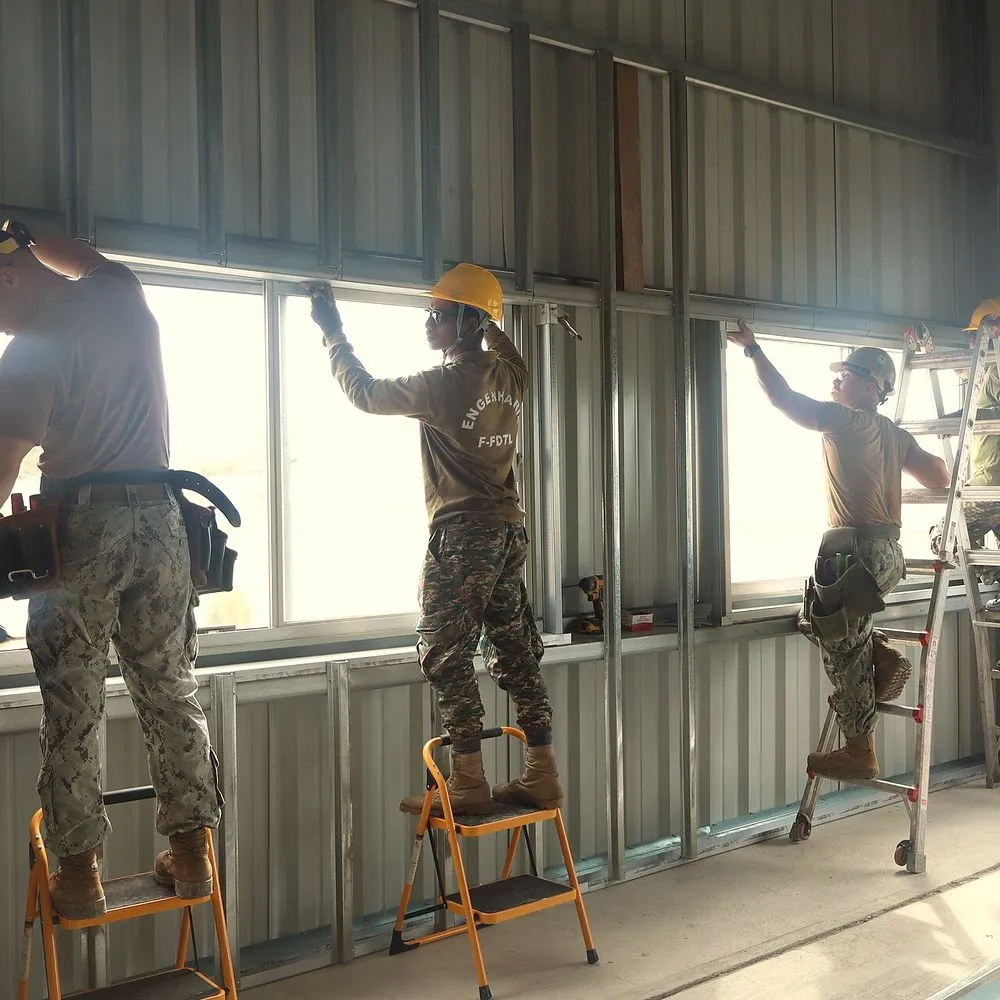
Time the job as it runs today, so you know exactly what you're comparing against.
Agree what AI can see, which tools are allowed and who signs off each piece of work.
Run it for four weeks on your own documents. Keep it only if it saves time and the work is as good.
Download in Word, no email needed. Each one shows where AI can do the first draft.
Word and PDF, with the risk assessment table
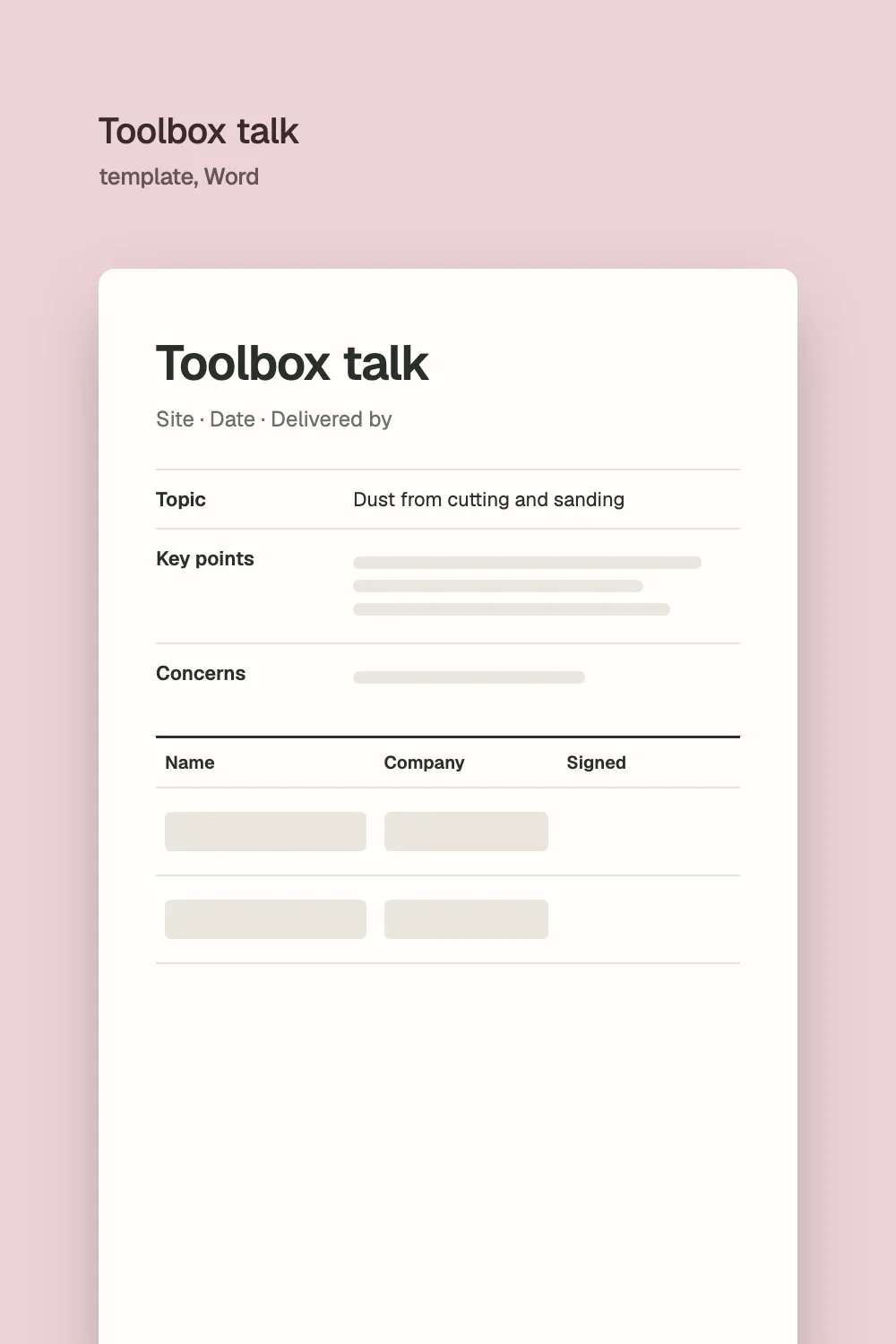
One page, with a record of who attended
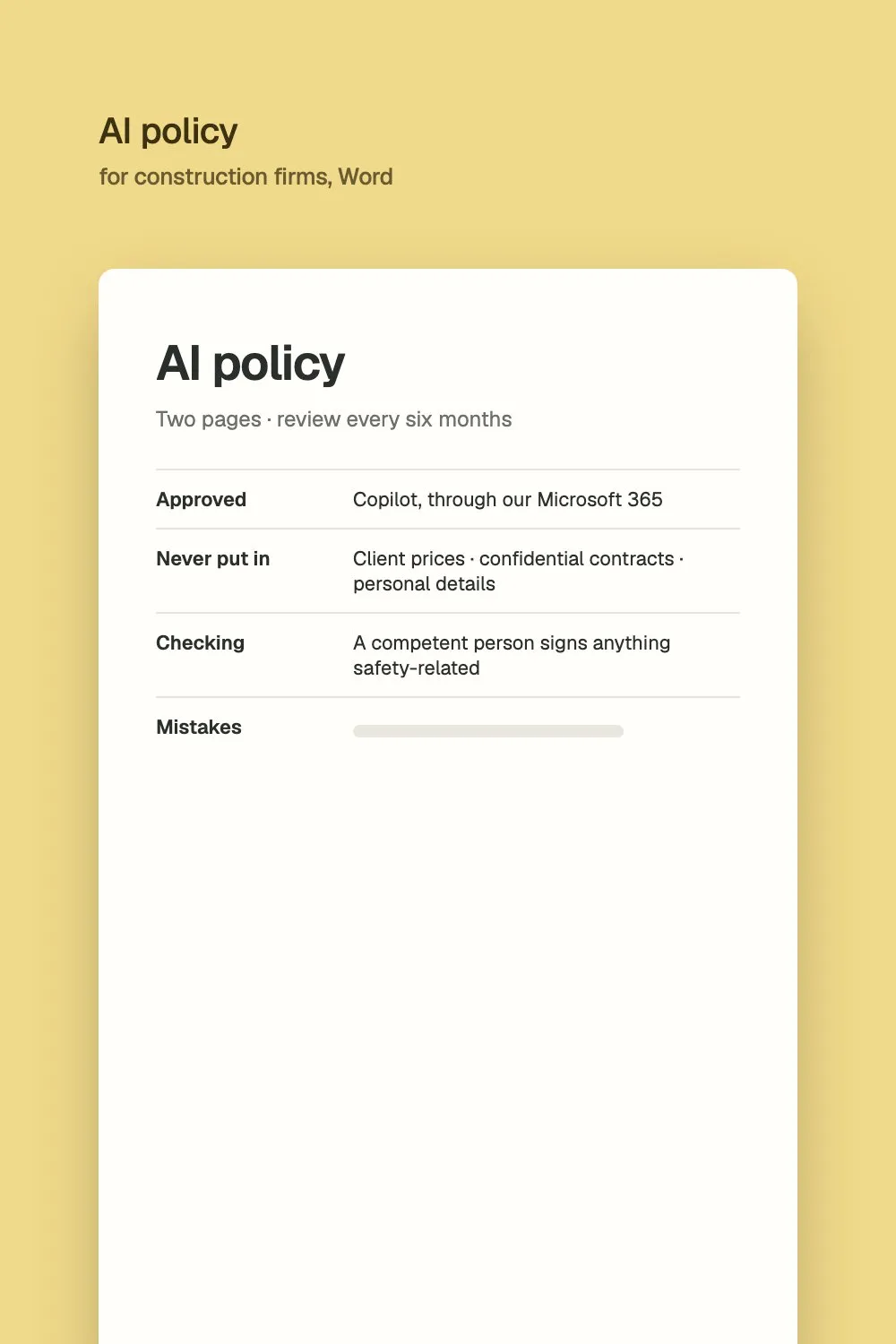
Two pages your team can follow from Monday
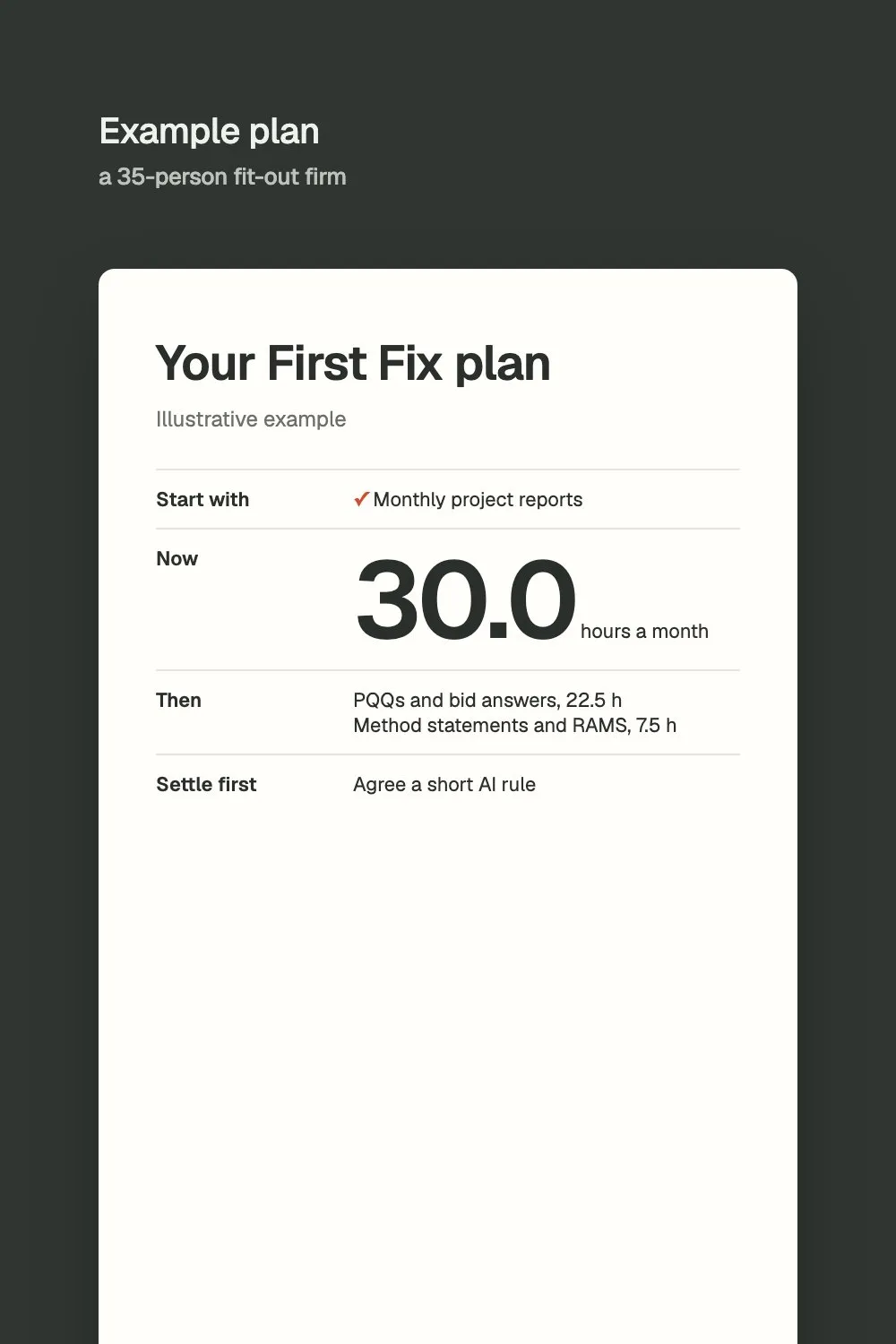
What the check gave a 35-person fit-out firm
Straight answers before you spend a penny.
Plain answers on AI, bids and site paperwork, checked against HSE and GOV.UK guidance.
Where it drafts, checks and finds, where it doesn't belong yet, and how to start without risk.
What public buyers ask for under the Procurement Act 2023, and a library of answers AI can draft from.
Two minutes, a one-page plan to keep and no email needed. Any work after it is agreed separately.